> ## Documentation Index
> Fetch the complete documentation index at: https://forgetwork.mintlify.site/llms.txt
> Use this file to discover all available pages before exploring further.
# ⏰ Timer
> The most important feature
## Preset Timer
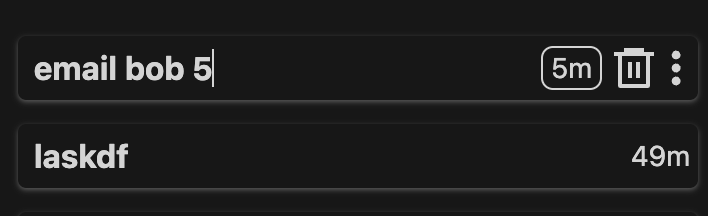
When you create a new task, simply type in a number at the end to indicate the timer associated.
The number indicates minutes.
 ## Old Timer
You will see this kind of timer when you don't preset a time.
Before doing your task, select a time from the button group.
## Old Timer
You will see this kind of timer when you don't preset a time.
Before doing your task, select a time from the button group.
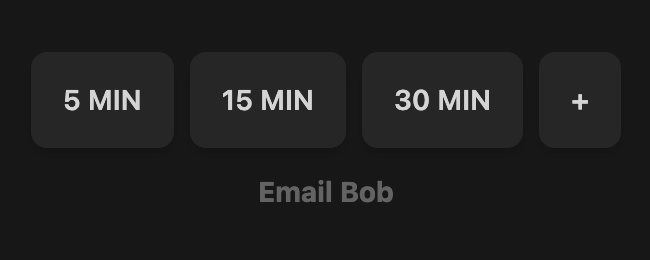 If you need more than 30 minutes, click the `+` button to add more time.
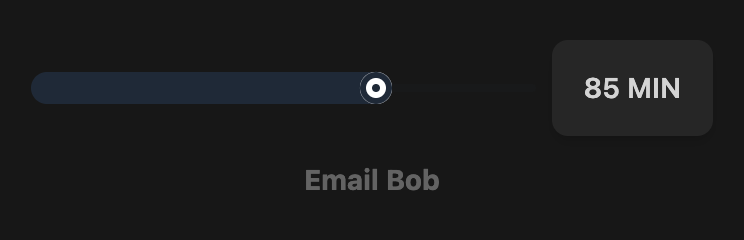 We set a max time of 10 hours per task, but we highly recommend breaking down
tasks into smaller chunks to help you focus and reduce stress.
Ideally, each task should take 30 minutes at max. Anything longer can likely
be broken down.
## Banner
When you are focusing on your task, we want to minimize distractions.
We designed the banner to give you a sense of time using your peripheral
vision.
There are different colors indicating different states.
### Yellow
We set a max time of 10 hours per task, but we highly recommend breaking down
tasks into smaller chunks to help you focus and reduce stress.
Ideally, each task should take 30 minutes at max. Anything longer can likely
be broken down.
## Banner
When you are focusing on your task, we want to minimize distractions.
We designed the banner to give you a sense of time using your peripheral
vision.
There are different colors indicating different states.
### Yellow
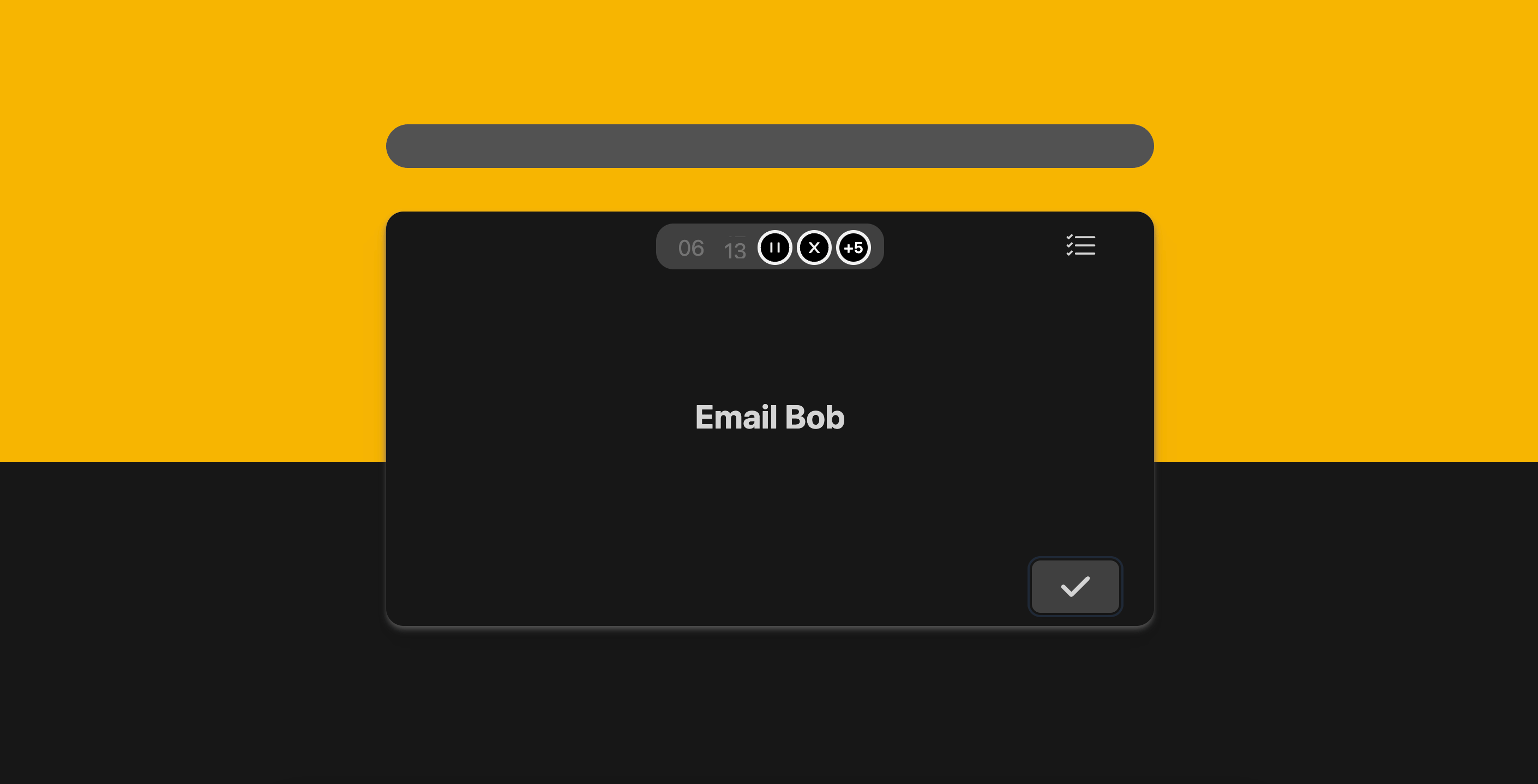 This indicates the timer is active for a regular task.
### Blue
This indicates the timer is active for a regular task.
### Blue
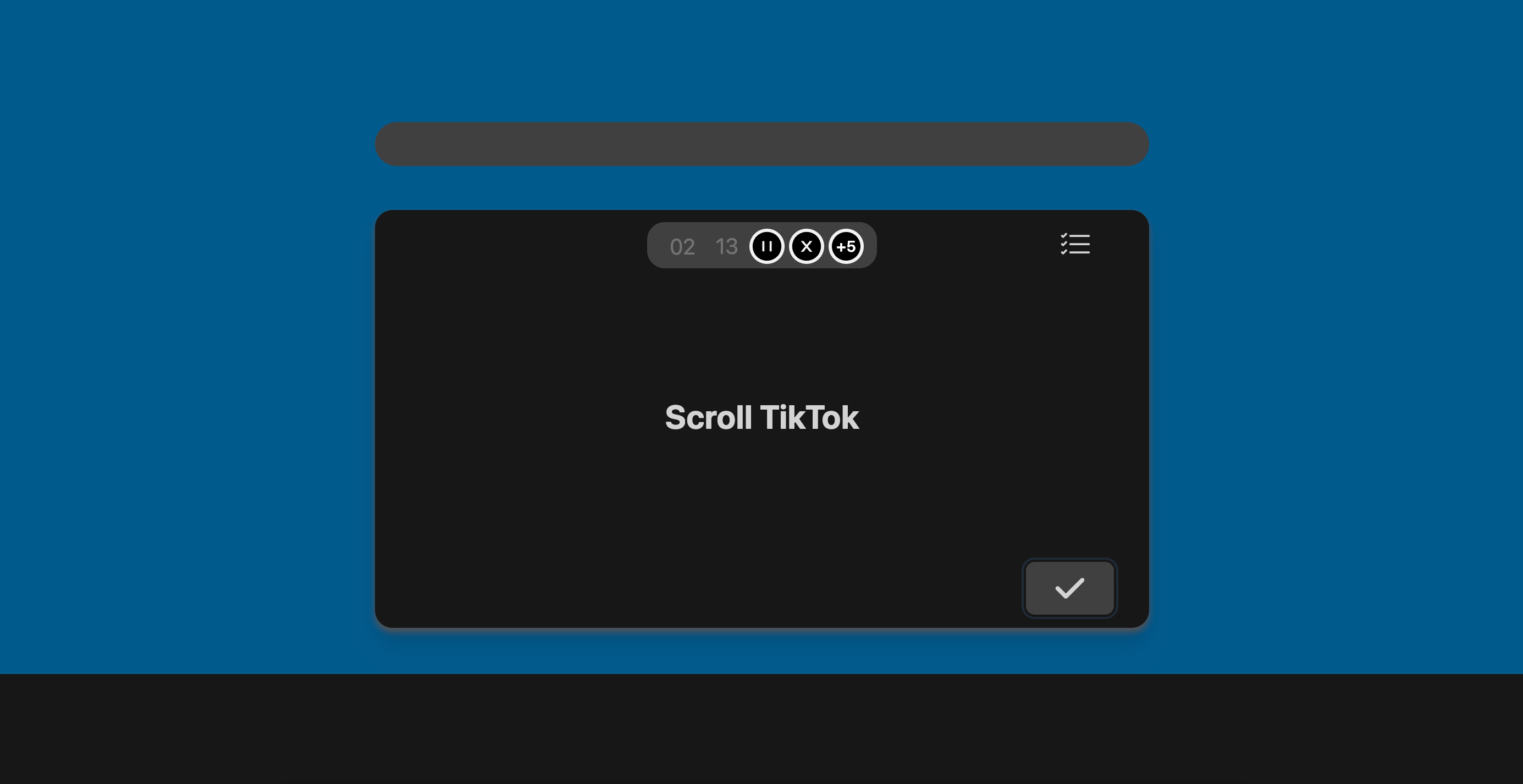 This indicates the timer is active for a [break](/guides/breaks) task.
### Green
This indicates the timer is active for a [break](/guides/breaks) task.
### Green
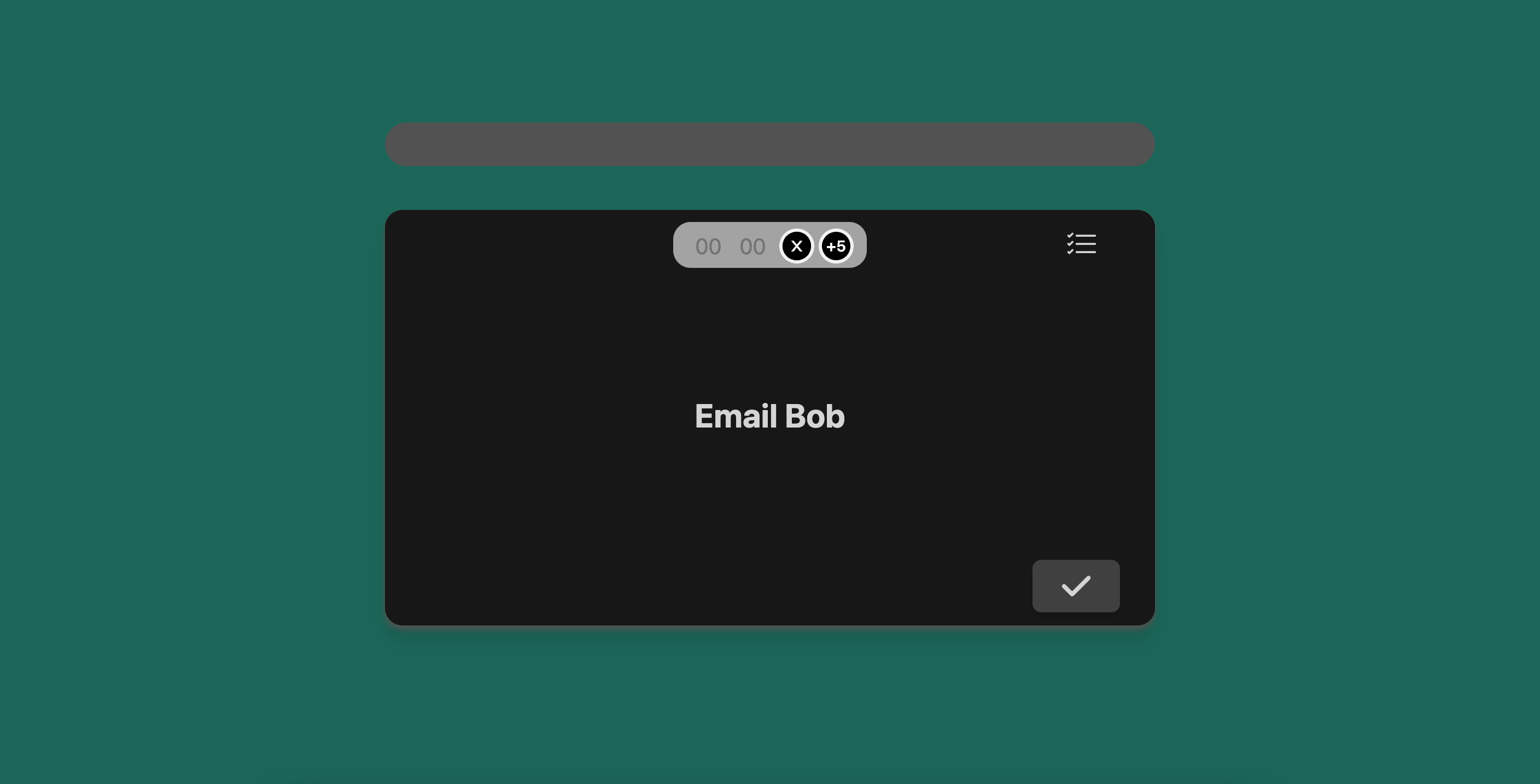 This indicates time is up for the current task.
This documentation is built and hosted on [Mintlify](https://mintlify.com), a developer documentation platform.
This indicates time is up for the current task.
This documentation is built and hosted on [Mintlify](https://mintlify.com), a developer documentation platform.