> ## Documentation Index
> Fetch the complete documentation index at: https://forgetwork.mintlify.site/llms.txt
> Use this file to discover all available pages before exploring further.
# 🌙 Dark Mode
> Focus into the night
 ## How to enable Dark Mode
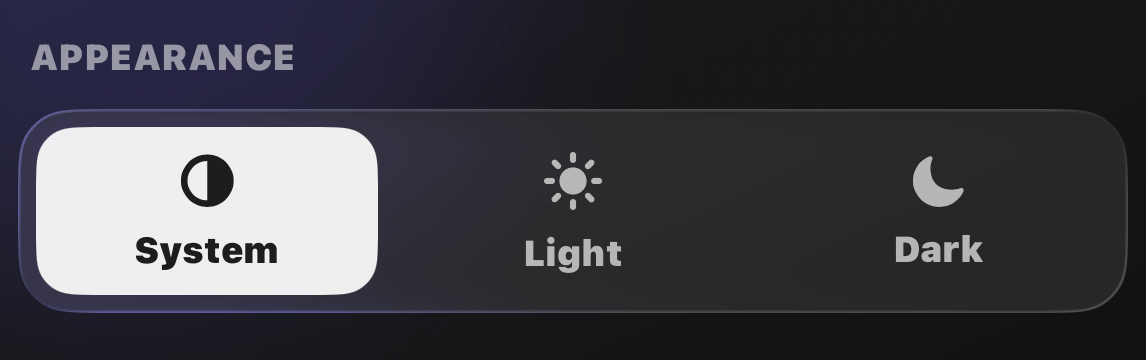
Open [Settings](/ios/settings) and pick your look under
**Appearance**:
* **System**: follow your iPhone's light and dark schedule
* **Light**: always light
* **Dark**: always dark
You also pick a theme during onboarding, so the app matches your taste
from the first minute.
Your [widgets](/ios/widgets) and the
[Dynamic Island](/ios/dynamic-island) follow along automatically.
This documentation is built and hosted on [Mintlify](https://mintlify.com), a developer documentation platform.
## How to enable Dark Mode
Open [Settings](/ios/settings) and pick your look under
**Appearance**:
* **System**: follow your iPhone's light and dark schedule
* **Light**: always light
* **Dark**: always dark
You also pick a theme during onboarding, so the app matches your taste
from the first minute.
Your [widgets](/ios/widgets) and the
[Dynamic Island](/ios/dynamic-island) follow along automatically.
This documentation is built and hosted on [Mintlify](https://mintlify.com), a developer documentation platform.