> ## Documentation Index
> Fetch the complete documentation index at: https://forgetwork.mintlify.site/llms.txt
> Use this file to discover all available pages before exploring further.
# 🔔 Reminders
> Gentle nudges from your own list
 ## What is this?
Out of sight, out of mind is the whole ADHD problem. Reminders bring
your list back into sight at the moments that matter:
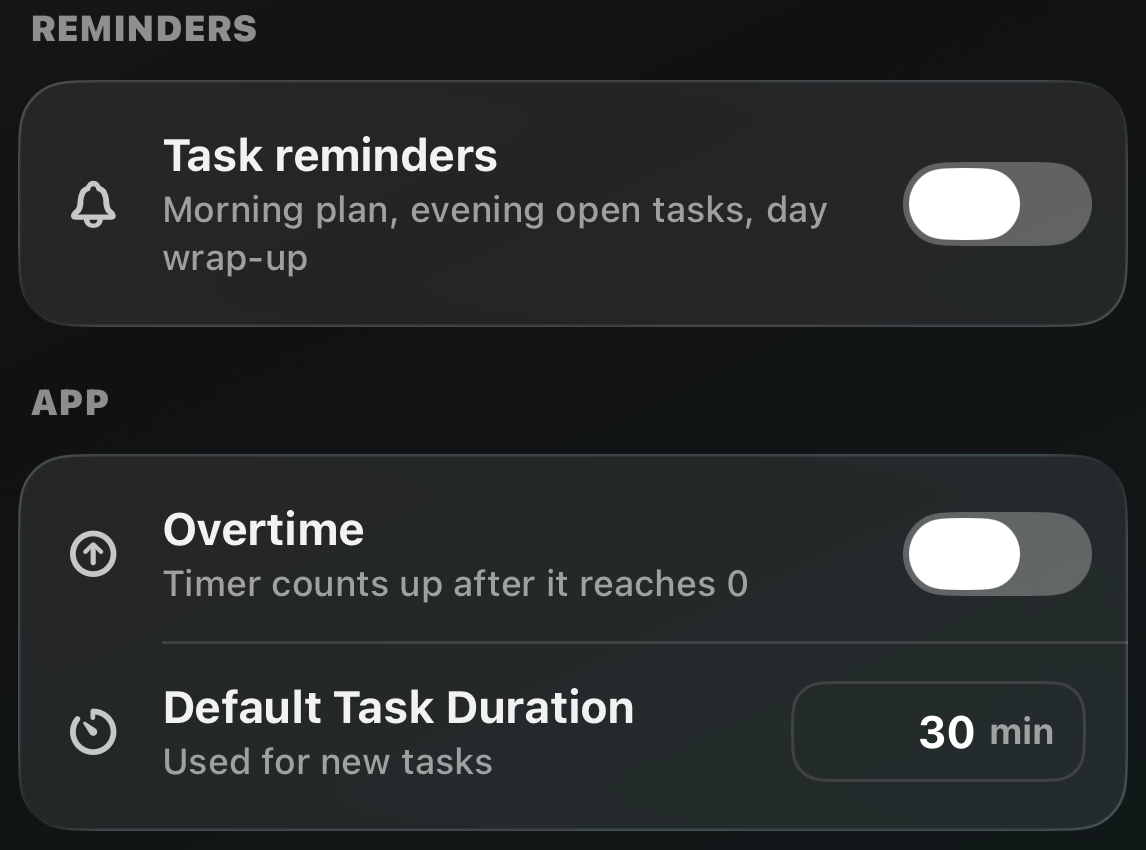
* **Morning plan (9:00)**: start the day with a look at what's ahead
* **Evening check-in (20:00)**: a heads-up on what's still open
* **Wrap-up nudge (22:00)**: a prompt to [wrap your day](/ios/wrap-day)
They're built from your own tasks ("3 tasks are waiting for you"),
and they know when to stay quiet: nothing fires when your list is
empty or your day is already wrapped.
## How does it work?
The app asks before iOS does, so you'll see what the reminders are
about before any permission prompt.
You can change your mind anytime in [Settings](/ios/settings): switch
them all with one toggle, or pick and choose the three slots.
If notifications are off for Forget in iOS Settings, the app shows
an **Open Settings** shortcut to turn them back on.
This documentation is built and hosted on [Mintlify](https://mintlify.com), a developer documentation platform.
## What is this?
Out of sight, out of mind is the whole ADHD problem. Reminders bring
your list back into sight at the moments that matter:
* **Morning plan (9:00)**: start the day with a look at what's ahead
* **Evening check-in (20:00)**: a heads-up on what's still open
* **Wrap-up nudge (22:00)**: a prompt to [wrap your day](/ios/wrap-day)
They're built from your own tasks ("3 tasks are waiting for you"),
and they know when to stay quiet: nothing fires when your list is
empty or your day is already wrapped.
## How does it work?
The app asks before iOS does, so you'll see what the reminders are
about before any permission prompt.
You can change your mind anytime in [Settings](/ios/settings): switch
them all with one toggle, or pick and choose the three slots.
If notifications are off for Forget in iOS Settings, the app shows
an **Open Settings** shortcut to turn them back on.
This documentation is built and hosted on [Mintlify](https://mintlify.com), a developer documentation platform.