> ## Documentation Index
> Fetch the complete documentation index at: https://forgetwork.mintlify.site/llms.txt
> Use this file to discover all available pages before exploring further.
# 🗂️ Task Details
> Everything about a task, in one place
 ## What is this?
Sometimes a task title isn't enough.
Task Details gives every task a home for the extra stuff (notes,
subtasks, priority, status, and labels) without cluttering your list.
## How does it work?
Swipe a task to the **left** to open its details. Swipe right on the
screen to go back to your list.
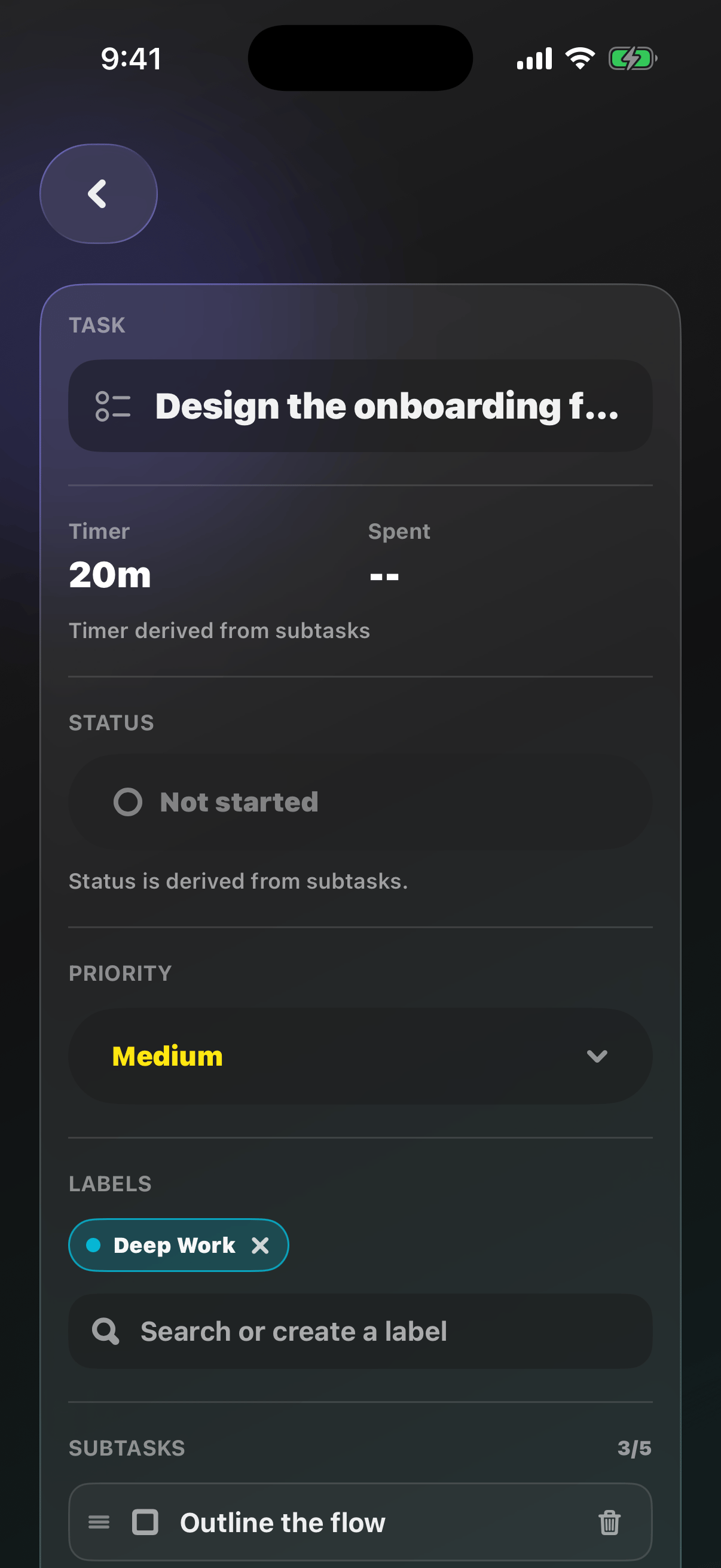
## What's inside?
* The task name
* **Timer**: edit the task's minutes directly
* **Spent**: how much time you've focused on it so far
* [Status](/ios/status), [Priority](/ios/priority), and
[Labels](/ios/labels)
* [Subtasks](/ios/subtasks)
* **Description**: a free-form space for details, context, and notes
## What is this?
Sometimes a task title isn't enough.
Task Details gives every task a home for the extra stuff (notes,
subtasks, priority, status, and labels) without cluttering your list.
## How does it work?
Swipe a task to the **left** to open its details. Swipe right on the
screen to go back to your list.
## What's inside?
* The task name
* **Timer**: edit the task's minutes directly
* **Spent**: how much time you've focused on it so far
* [Status](/ios/status), [Priority](/ios/priority), and
[Labels](/ios/labels)
* [Subtasks](/ios/subtasks)
* **Description**: a free-form space for details, context, and notes
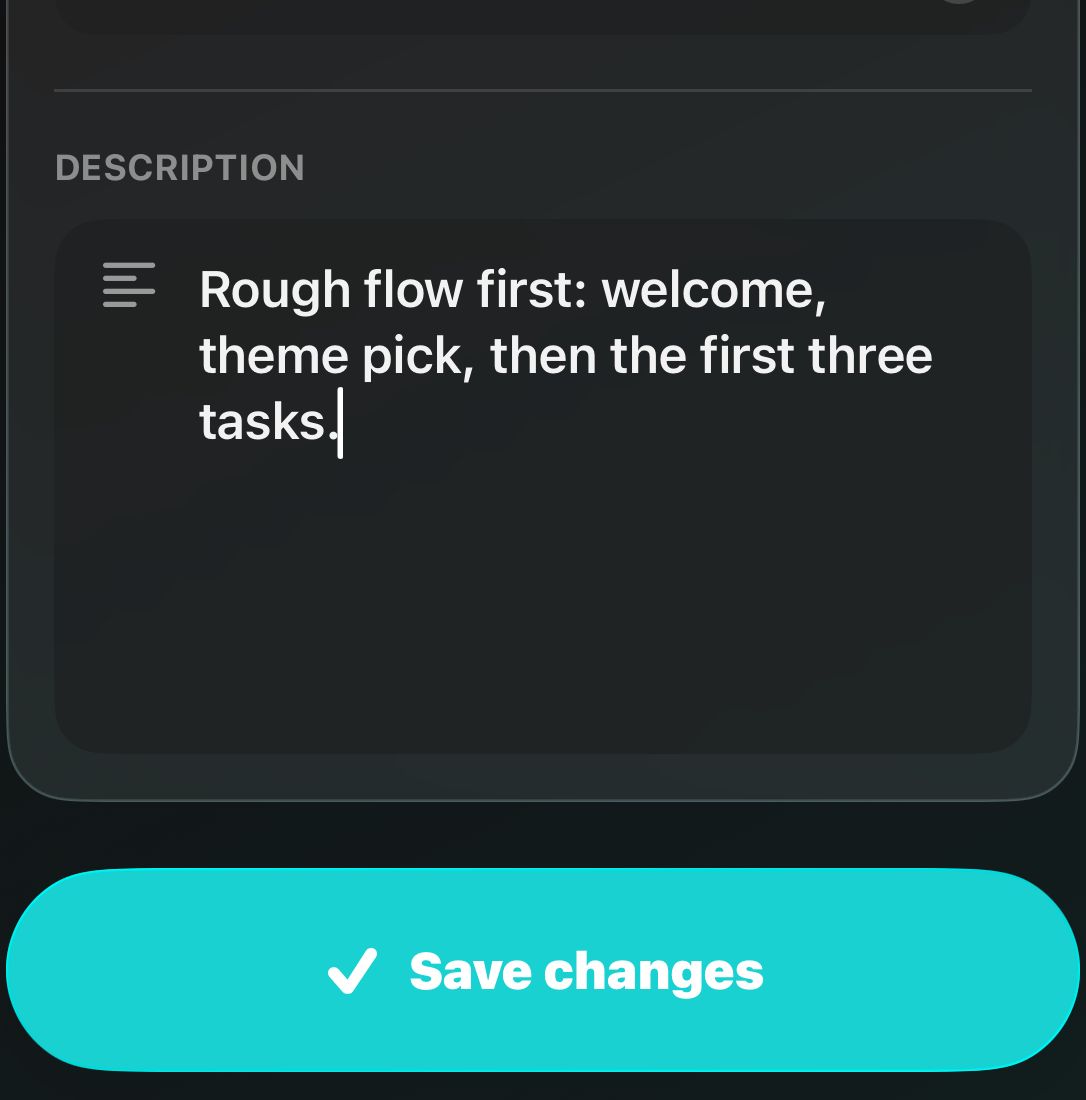 Tap **Save changes** when you're done.
Completed tasks are locked. Redo a task from the
[List](/ios/list) if you need to edit it again.
This documentation is built and hosted on [Mintlify](https://mintlify.com), a developer documentation platform.
Tap **Save changes** when you're done.
Completed tasks are locked. Redo a task from the
[List](/ios/list) if you need to edit it again.
This documentation is built and hosted on [Mintlify](https://mintlify.com), a developer documentation platform.