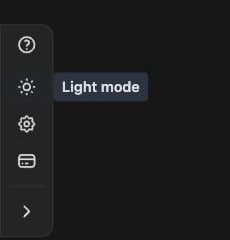
Click the sun/moon button in the rail on the left edge of the screen to
switch between light and dark mode.
You’ll also find the toggle under Appearance in the menu, which
opens from the rail’s Open menu button. See
Settings for everything else that lives there.