

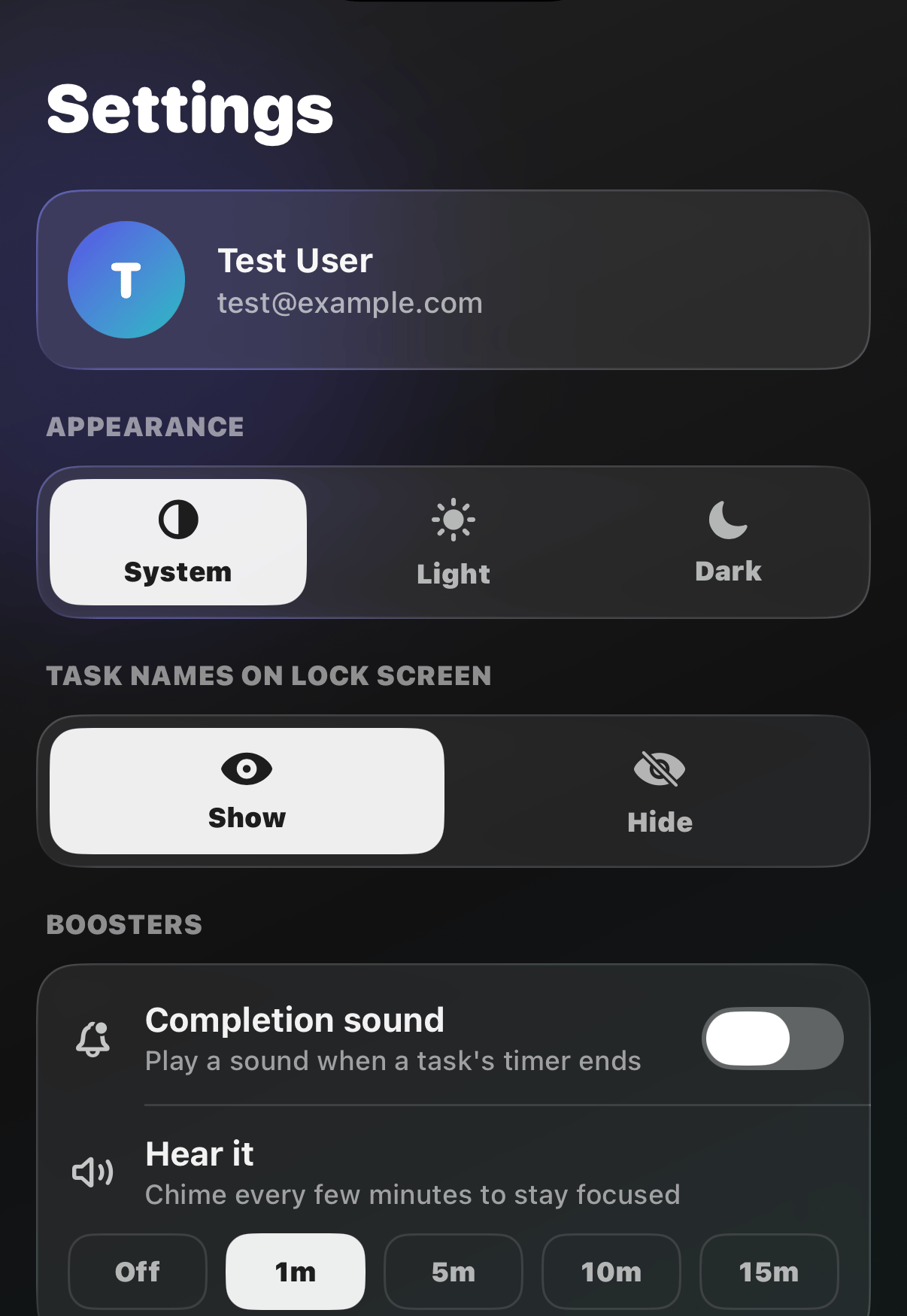
Appearance
Choose System, Light, or Dark. More in Dark Mode.Task names on Lock Screen
Decide whether your task names show on the Lock Screen and in the Dynamic Island, or stay private. More in Lock Screen & StandBy.Boosters
Little nudges that keep you on track:- Completion sound: play a sound when a task’s timer ends
- Hear it: a soft chime every 1, 5, 10, or 15 minutes while you focus
Reminders
Turn the daily reminders on or off, together or one by one.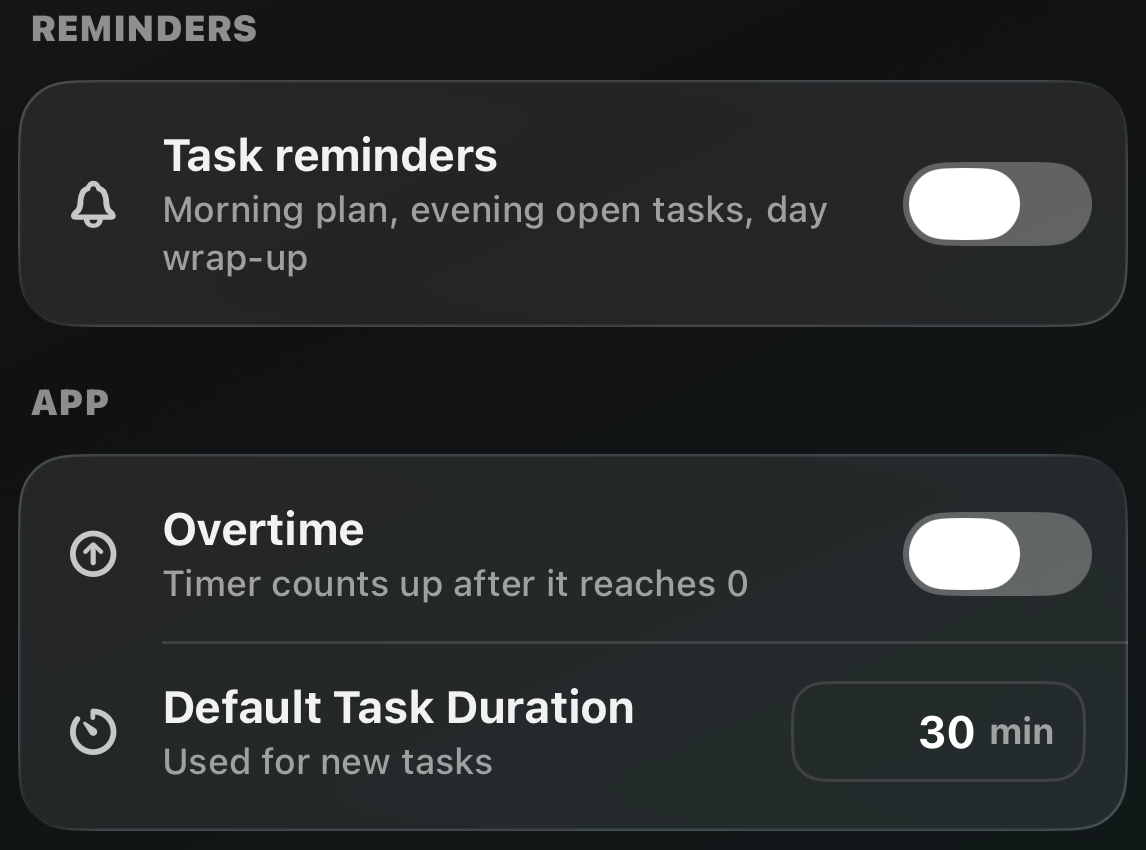
App
- Overtime: when a timer hits zero, count up instead of stopping
- Default Task Duration: the timer given to tasks you don’t preset
Me and Help
Join the mailing list, open this user guide, see the roadmap, contact us, manage your subscription, and read the legal bits.Sign out and Delete Account live at the bottom. Deleting is
permanent and cancels your subscription, so tread carefully.