

Start focusing
Head to the Focus tab and tap Start Focus. A quick 3-2-1 countdown, and you’re in.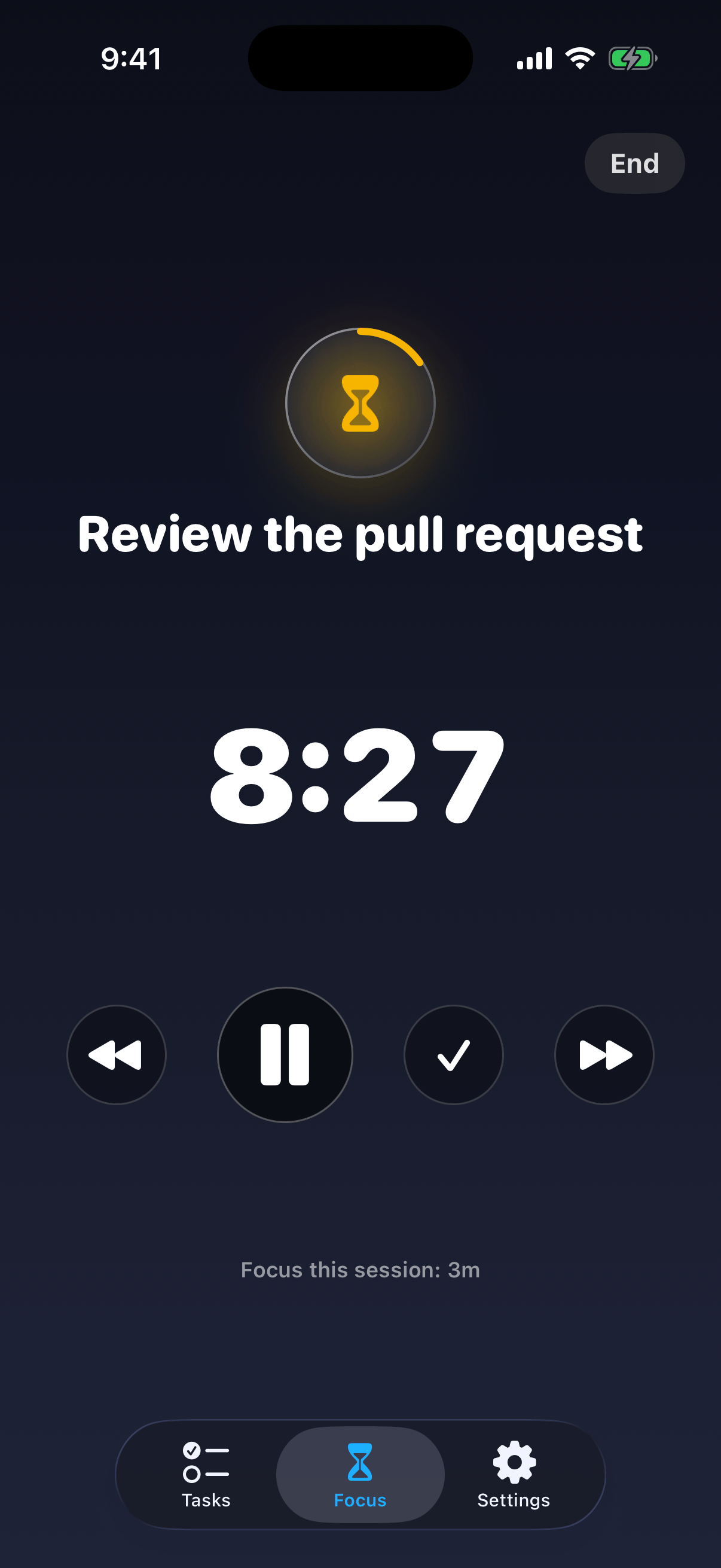
During a session
The session screen keeps everything within a thumb’s reach:- A progress ring and a big timer for the current task
- Controls to go back, pause, complete, or skip ahead
- Tap anywhere to pause, tap again to resume
- End stops the session, with a confirmation first
Finishing up
When you end a session, you’ll see your total focus time, plus any achievement badges you’ve earned along the way. Yes, there are badges. Yes, they’re worth chasing.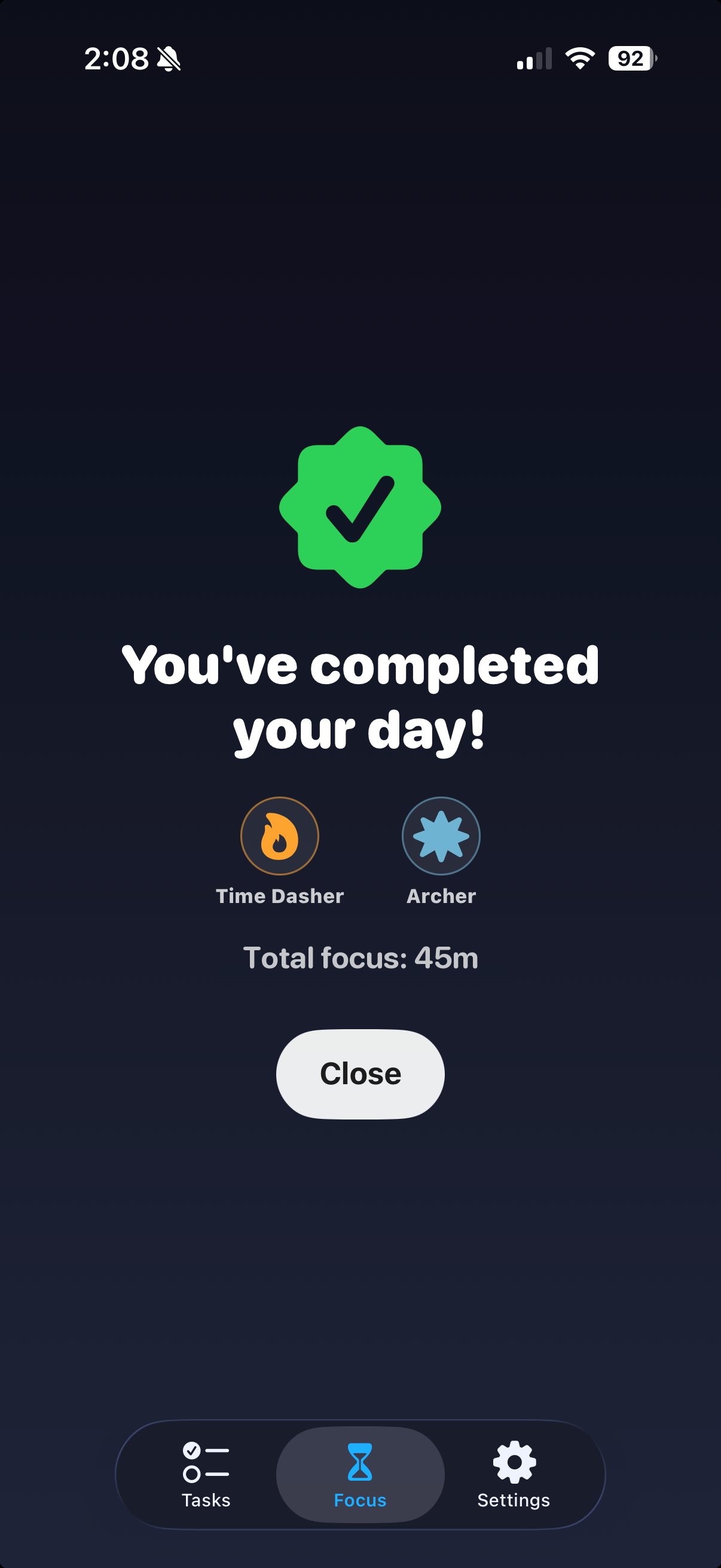
Why is this useful?
Tracking productivity is a great way to stay motivated, but manually tracking it is tedious. With focus time, you measure your productivity as you work. It powers your daily goal and gives Wrap Day something real to show you.Focus sessions need Forget Pro.