

What is this?
Starting a new day from zero is rough. Last Time greets you with proof of what you actually did.How does it work?
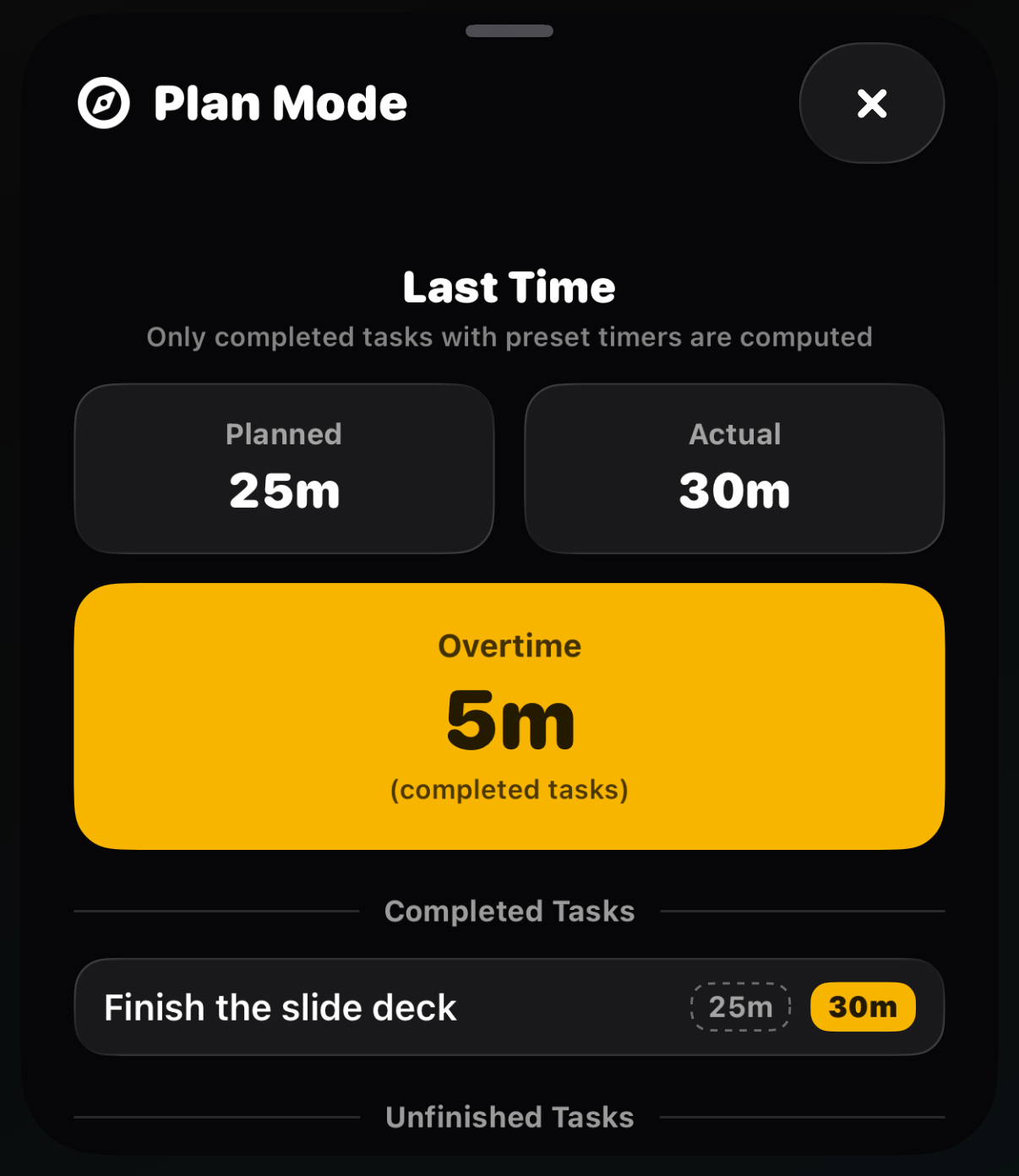
The Last Time panel appears when you open Plan Mode in the morning and while you plan your next day. It shows:- Planned vs Actual: the time you scheduled against the time you really spent
- Time Saved when you beat your estimates, or Overtime when a task ran long (no judgment, just data)
- Your completed tasks, and any that went unfinished
Only completed tasks with preset timers count. Breaks
and tasks moved to Later stay out of the math.