

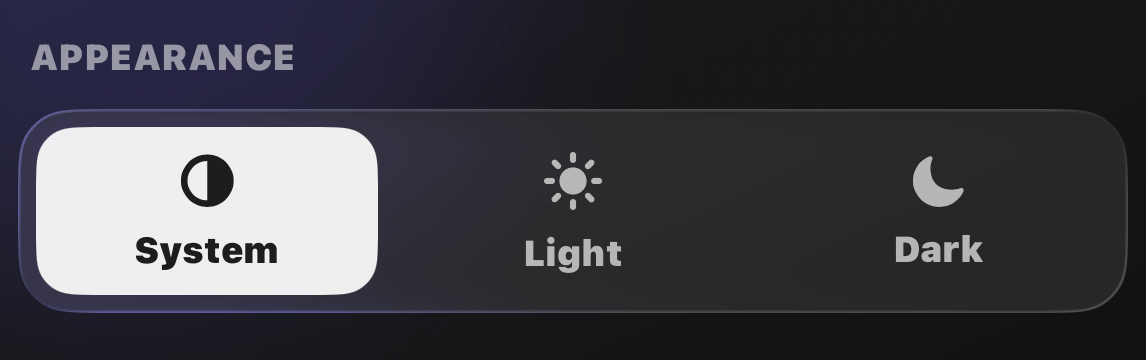
How to enable Dark Mode
Open Settings and pick your look under Appearance:- System: follow your iPhone’s light and dark schedule
- Light: always light
- Dark: always dark
Your widgets and the
Dynamic Island follow along automatically.
Focus into the night