On the Lock Screen
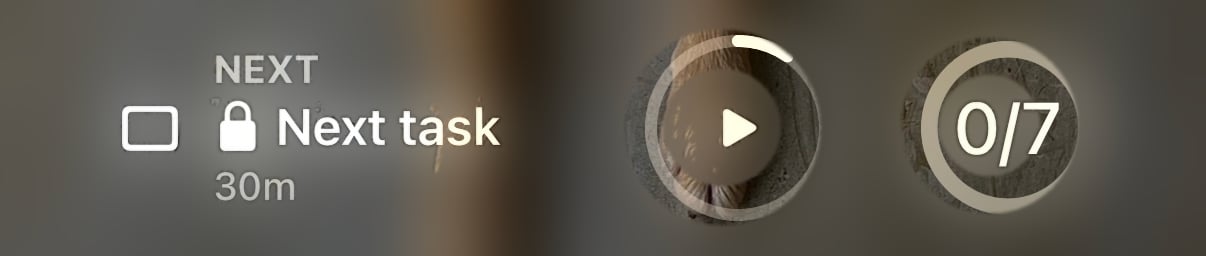
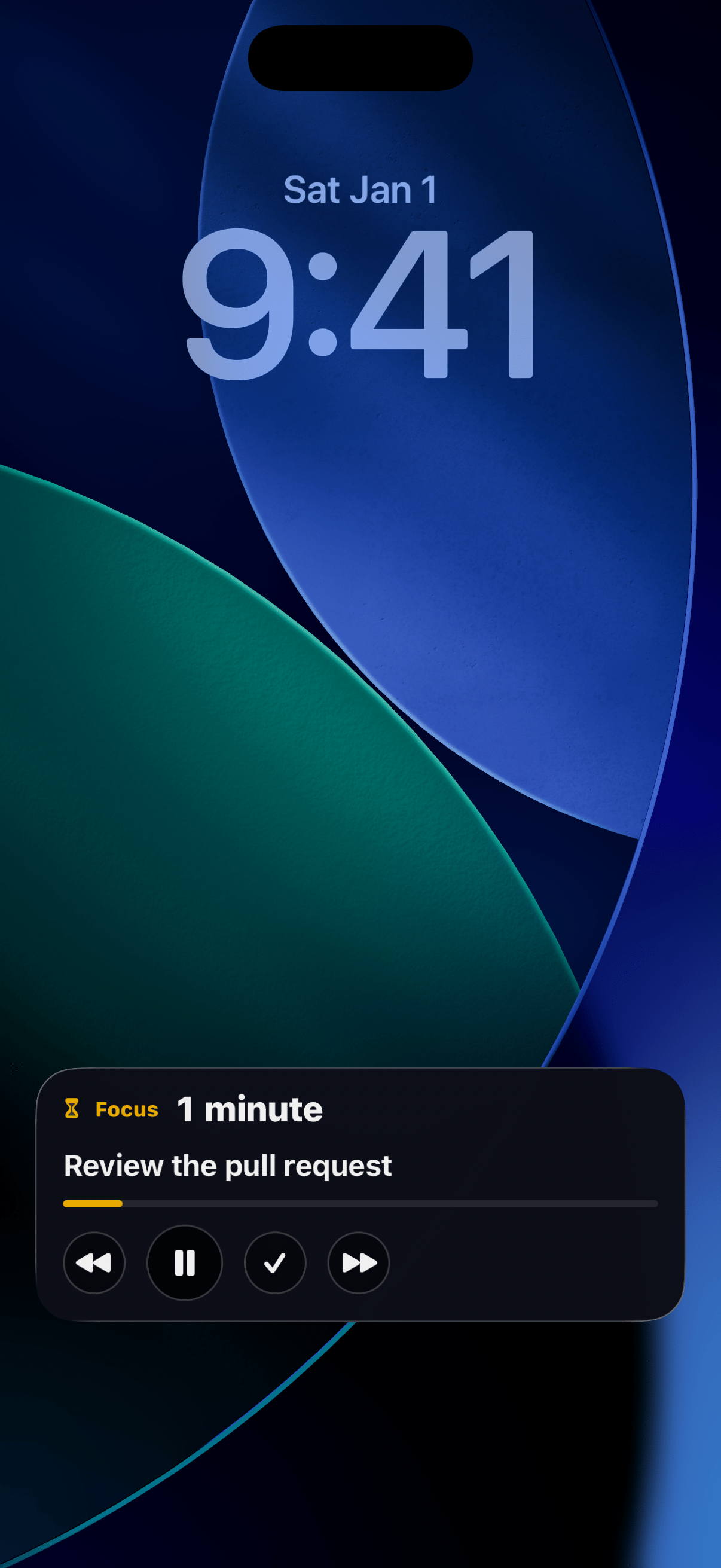
While a focus session runs, a live card sits on your Lock Screen with the task, the elapsed time, and the same controls as the Dynamic Island. Check your progress without ever unlocking. Both widgets also come in Lock Screen sizes: a circular gauge, a rectangle with your timer or task count, and a one-line inline version above the clock. Add them by pressing and holding your Lock Screen, then Customize.StandBy
Charge your iPhone on its side and the Focus widget becomes a desk timer: just the ticking session, readable from across the room.Keeping task names private
Your Lock Screen is visible to anyone who picks up your phone. If your task names are nobody’s business, open Settings and set Task names on Lock Screen to Hide.