

What is this?
Every task gets a timer, because a task without a time box has a way of eating the whole day.How does it work?
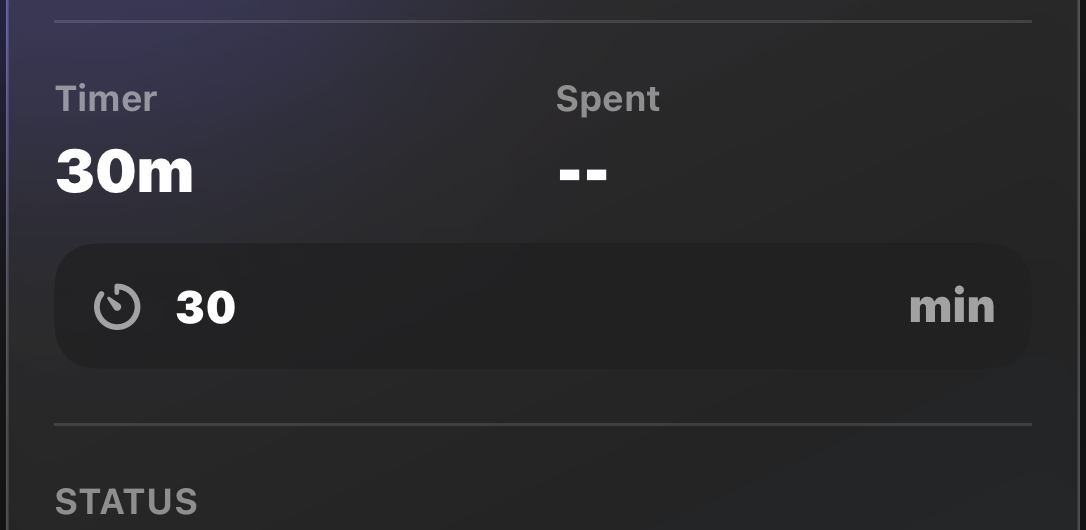
There are two ways to set a timer:1. While adding the task
End the task name with a number in Quick Add, like “Email Sam 15”, and the timer is set in minutes.2. From Task Details
Open a task’s details and edit the Timer minutes directly.During focus
If the task you’re focusing on has no timer, quick picks let you grab 5, 15, 30, or 60 minutes on the spot.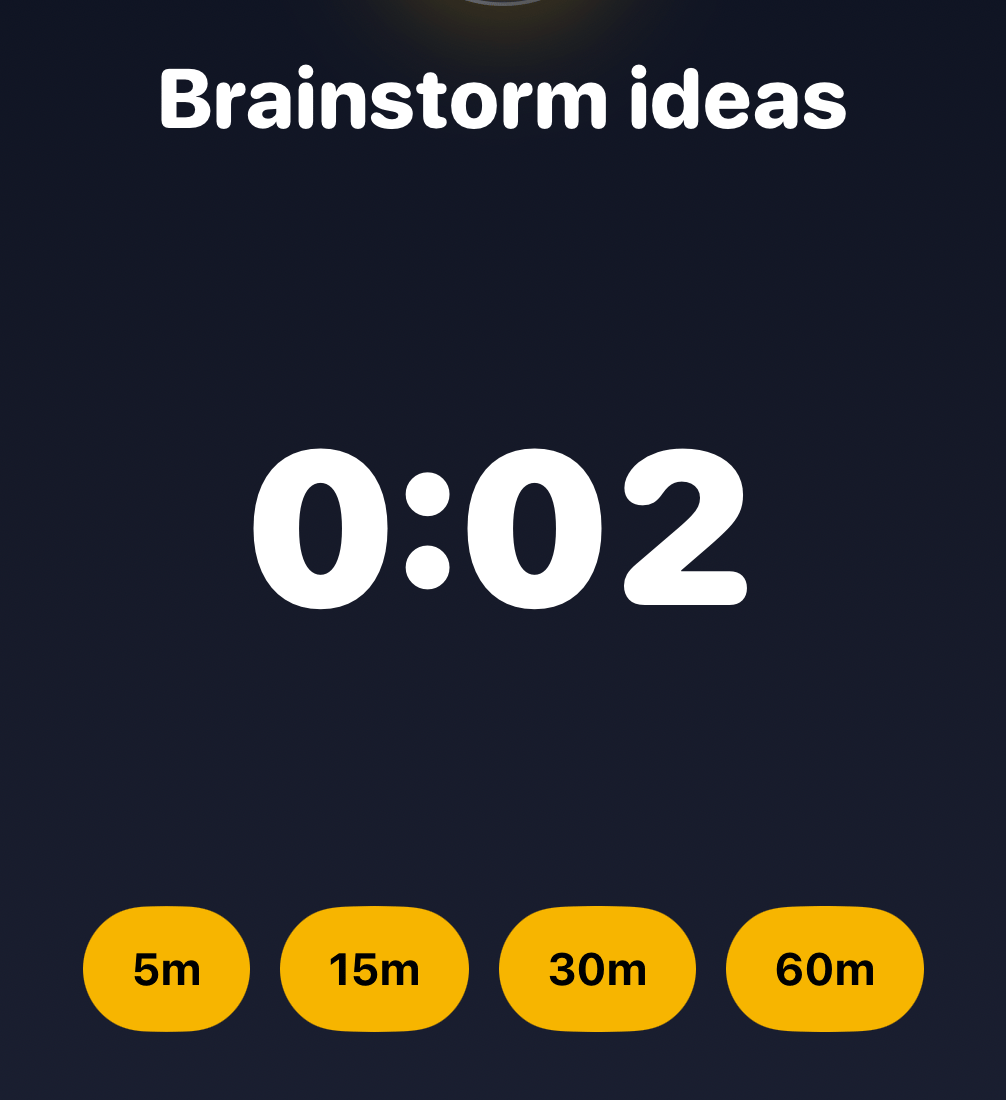
We recommend keeping timers at 30 minutes or less. Long tasks work
better split into subtasks with timers of their
own.