

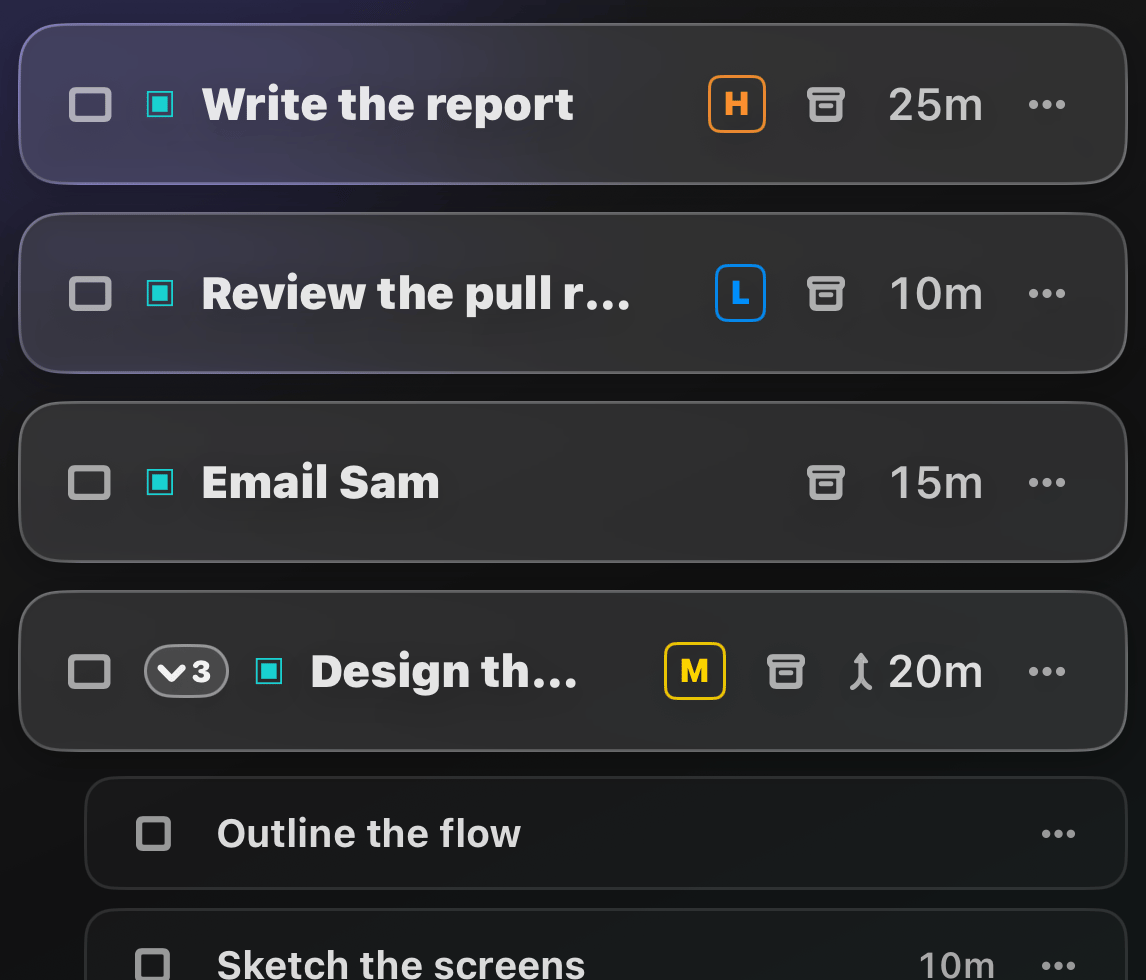
What is this?
Not every task deserves the same energy. Priority lets you flag each task as Low, Medium, High, or Urgent, or leave it Neutral, so the important stuff stands out at a glance.How does it work?
Open a task’s details and pick a priority.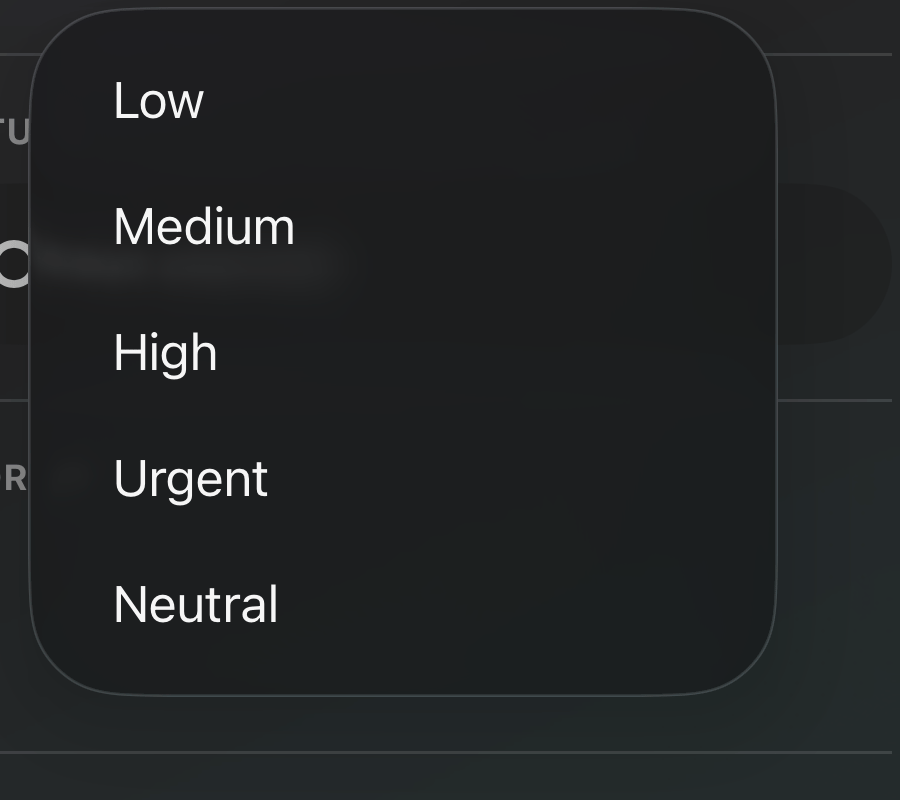
You can also sort and filter your list by
priority.