

What is this?
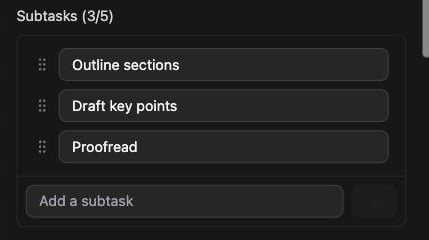
Big tasks are where ADHD brains go to stall. “Write the report” feels impossible. “Outline three sections” doesn’t. Subtasks let you split a task into small, doable steps, right inside the task itself.How does it work?
Open a task’s Details drawer and type in the Add a subtask field. Each task can hold up to 5 subtasks. You can rename them and drag them into the order you want.Subtasks and timers
Give your subtasks timers and the parent task’s timer becomes the sum of them. You’ll see it marked as derived in the drawer.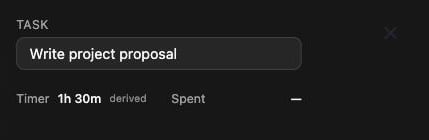
Subtasks are one level deep, so a subtask can’t have subtasks of its
own. They’re also only available on desktop.