

Getting started
Sign in with Apple, Google, or your email, and your tasks stay in sync with forget.work on the web.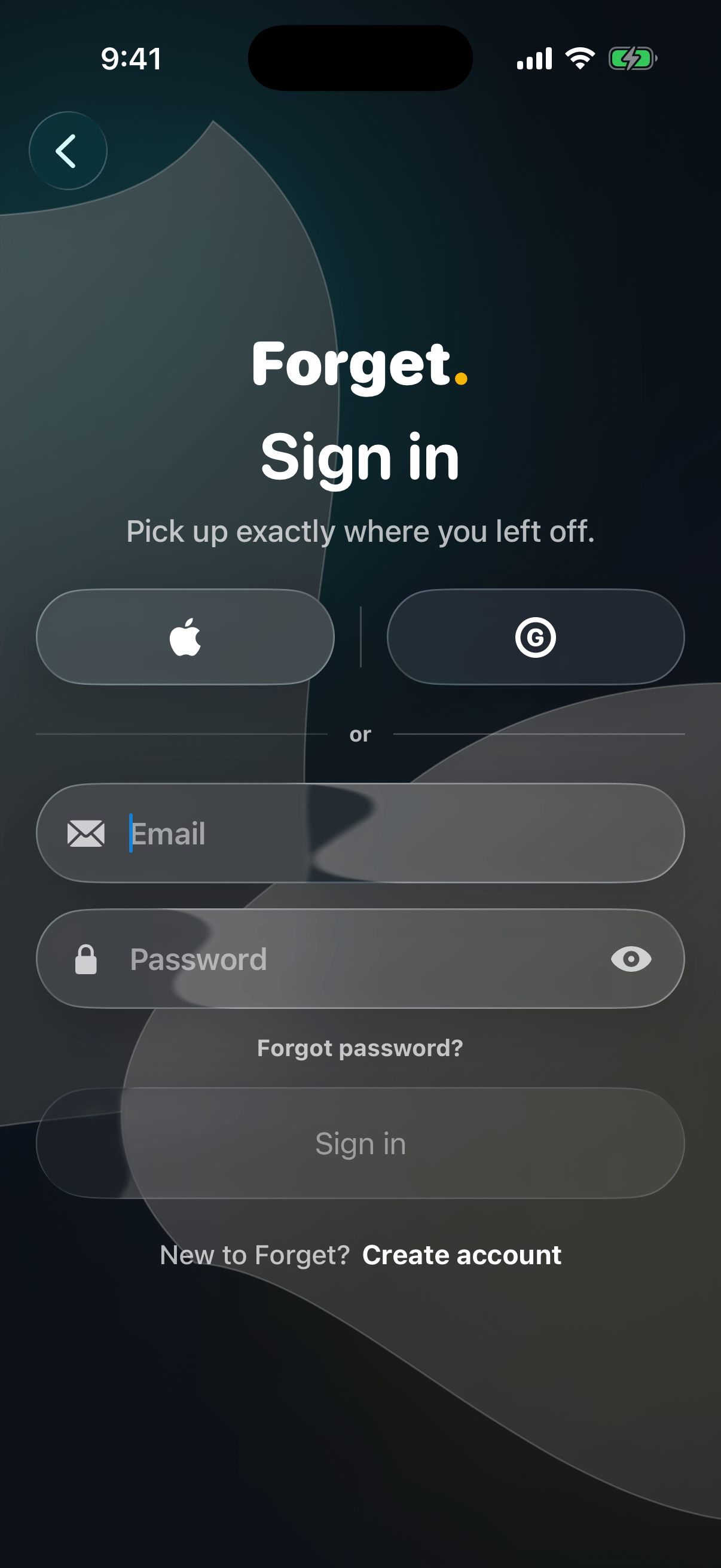
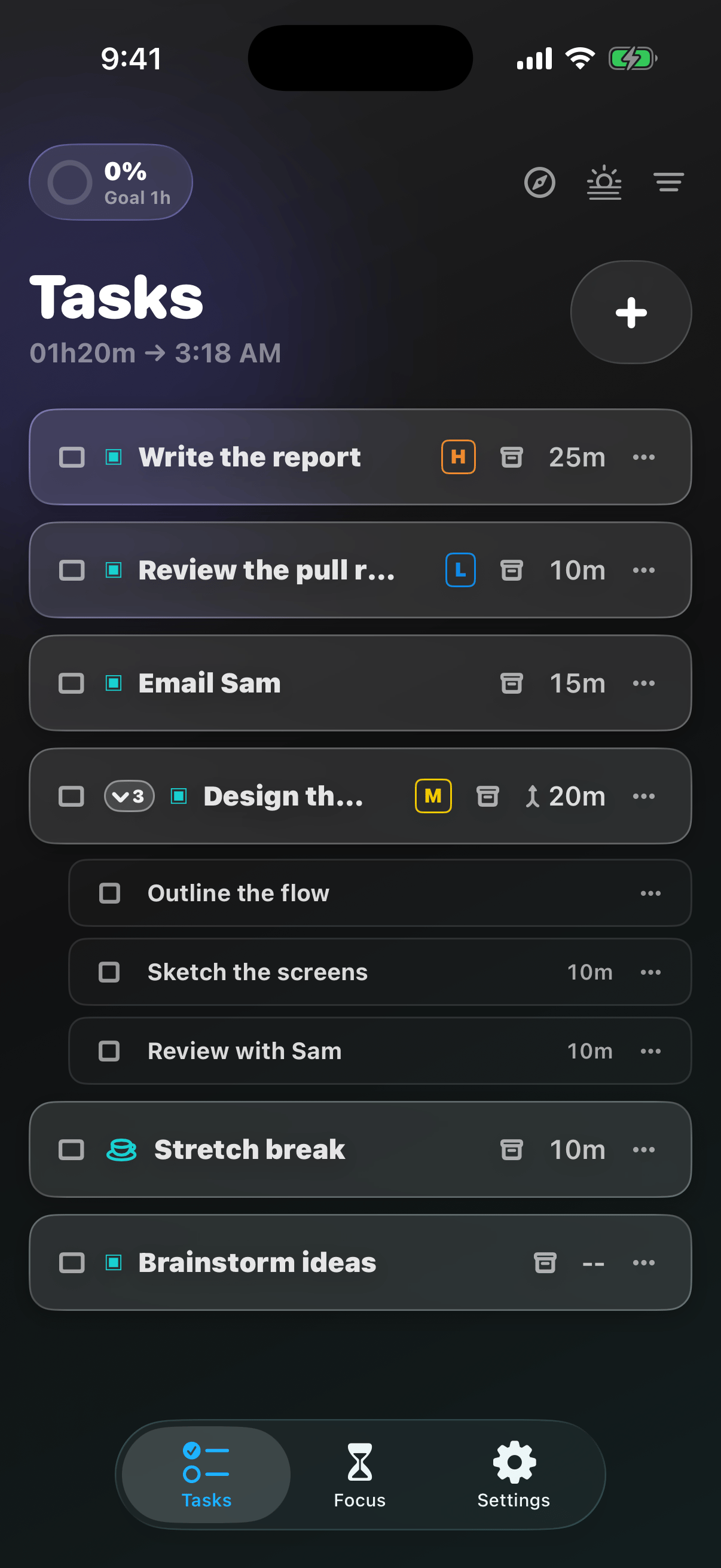
- Tasks: your list for today
- Focus: the timer you’ll live in
- Settings: everything else
Your first run
On a fresh install, a short tour gets you set up: create three tasks, drag one to reorder, and give each a timer. Finish it and the Focus tab unlocks for your first session.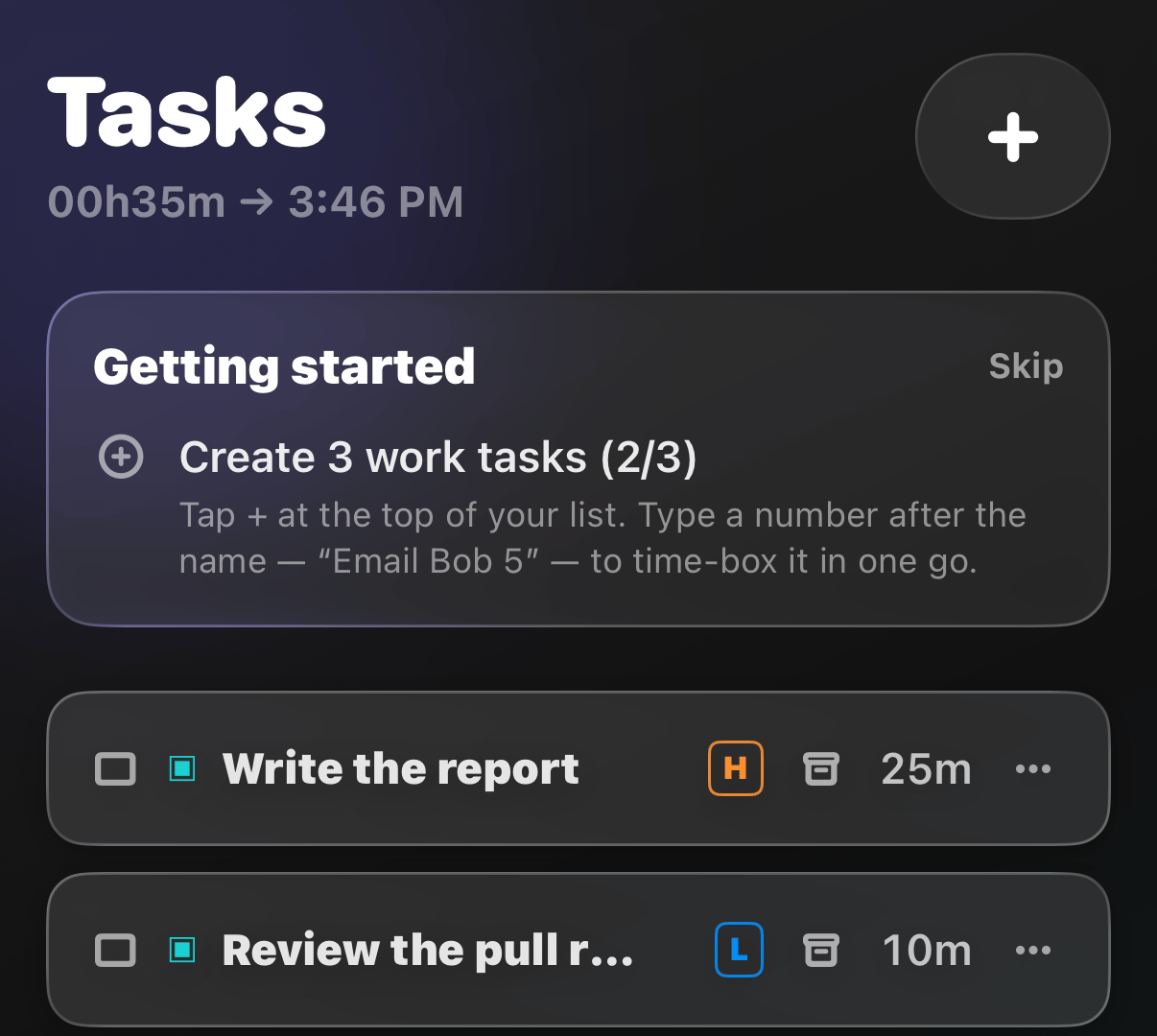
Explore the app
Quick Add
Capture a task before it slips away
Tasks List
Complete, reorder, and manage your day
Task Details
Everything about a task, in one place
Subtasks
Break big tasks into bite-sized steps
Priority
Mark what matters most
Status
See where every task stands
Labels
Organize tasks your way
Filter & Sort
See only what you need right now
Timer
The most important feature
Focus Time
Track time while you work
Breaks
Breaks can take you a long way
Daily Goal
A focus target for every day
Last Time
Yesterday’s results, today’s head start
Wrap Day
Reflect today and plan for tomorrow
Settings
Tune Forget to your iPhone
Dark Mode
Focus into the night
Dynamic Island
Your session, always in view
Widgets
Tasks and focus on your Home Screen
Lock Screen & StandBy
Glanceable focus, even when locked
Reminders
Gentle nudges from your own list