

Overview
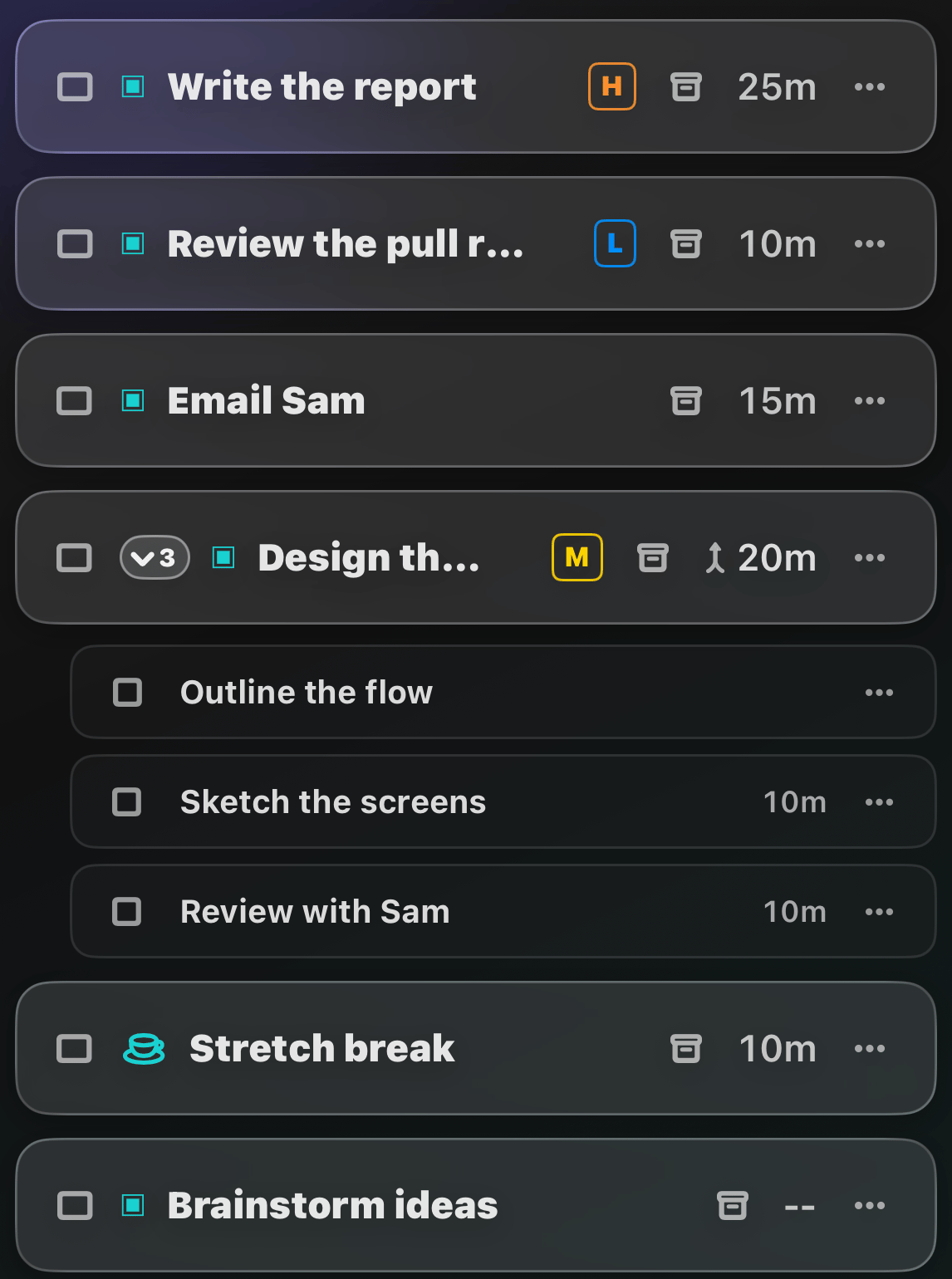
The Tasks tab is home base: everything you’re doing today, in the order you want to do it.Complete a task
Tap the checkbox. Tap it again to redo a completed task.Open a task’s details
Swipe a task to the left to open its Task Details.Delete a task
Swipe a task to the right until the trash button appears.Reorder tasks
Press and hold a task, then drag it where you want it.Break, Repeat, and Later
Tap the ⋯ button on a task to mark it as a break or set it to Repeat every day.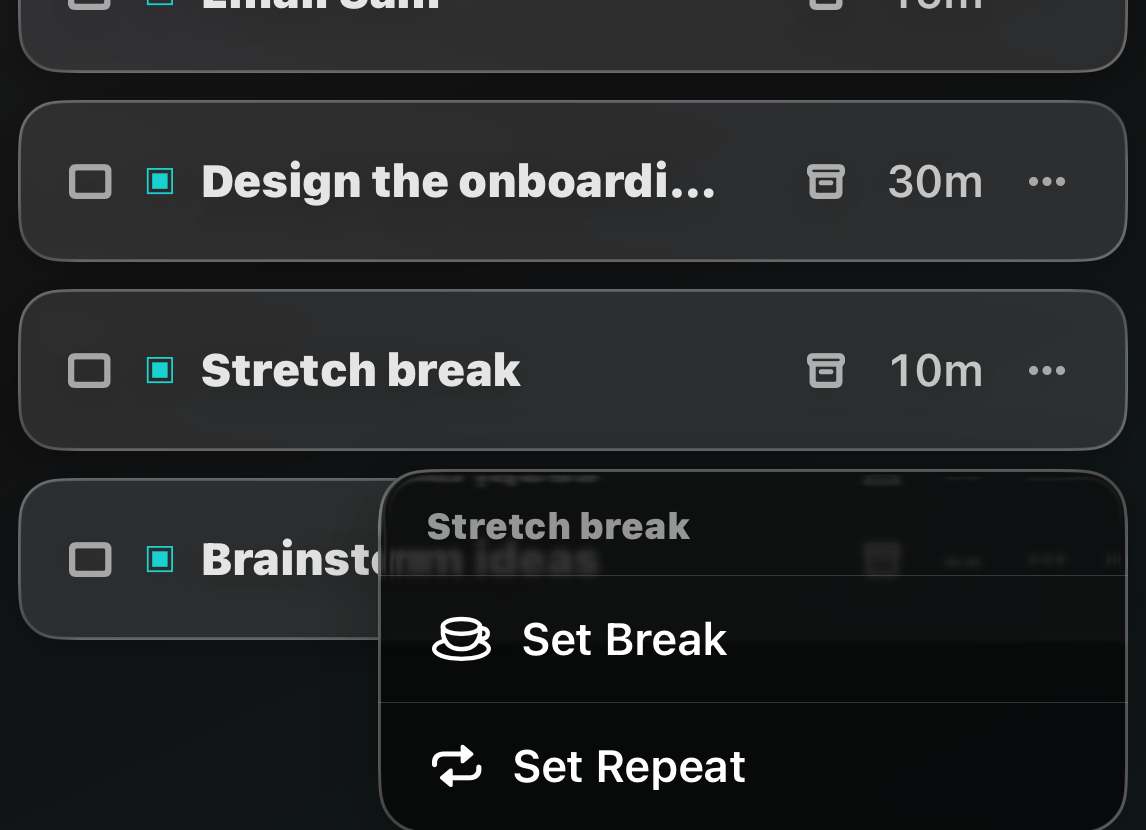
The list locks while a focus session is running,
and drag-to-reorder pauses while a
filter or sort is active.