

What is this?
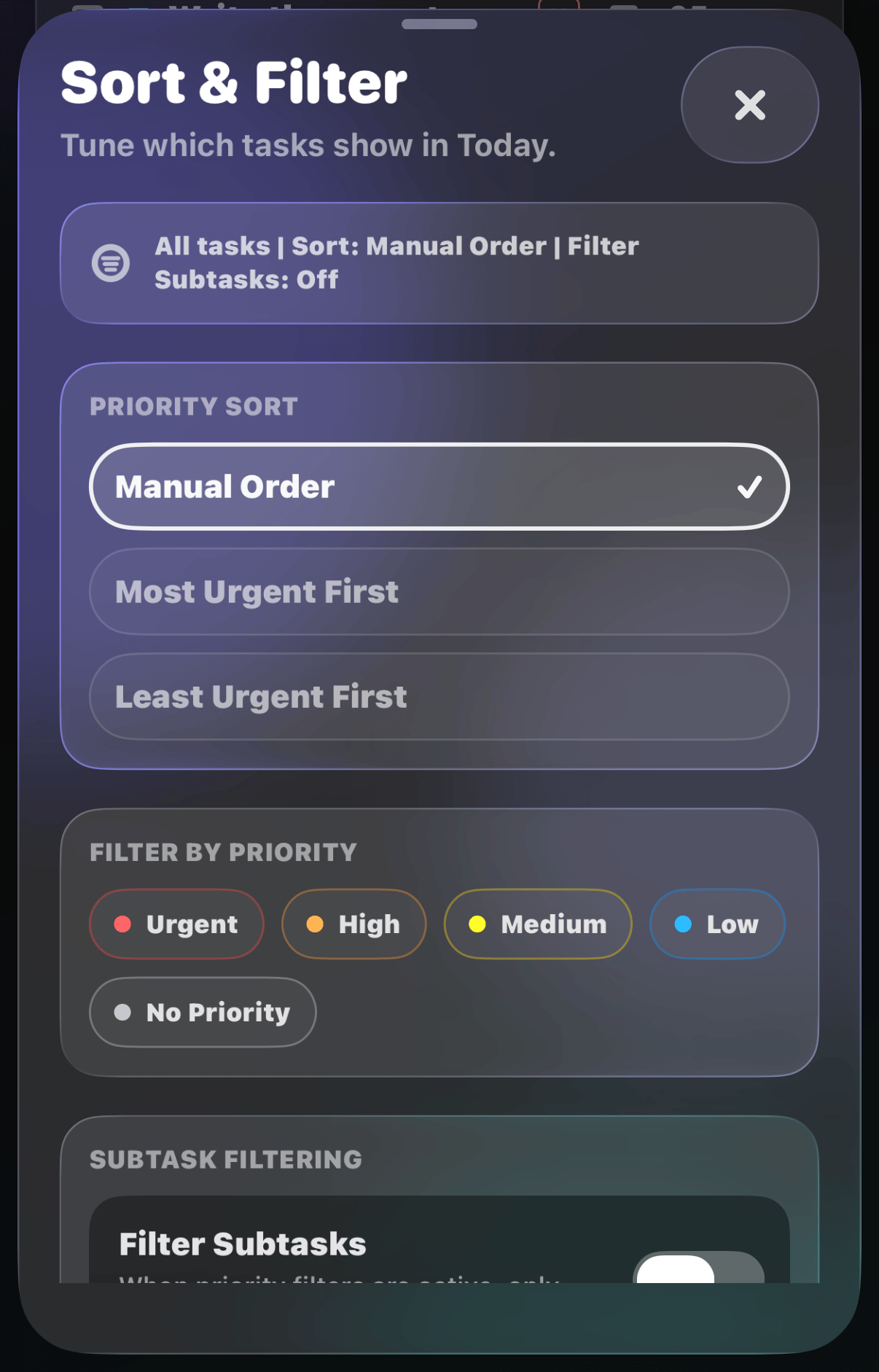
A long list is its own distraction. Filter & Sort trims your list down to what actually needs your attention: the urgent stuff first, everything else out of sight.How does it work?
Tap the funnel button above your list to open the Sort & Filter sheet. A small badge on the funnel shows how many filters are active.
- Priority Sort: keep your Manual Order, or sort Most Urgent First / Least Urgent First
- Filter by Priority: show only the priorities you pick, including “No Priority”
- Filter Subtasks: apply your filters to subtasks too
- Clear Filters and Sort: back to your full list in one tap
While a sort or filter is active, drag-to-reorder is paused. If
everything visible is done but tasks are hidden, a Clear filters
pill appears above the tab bar to bring them back.