

Where do I find it?
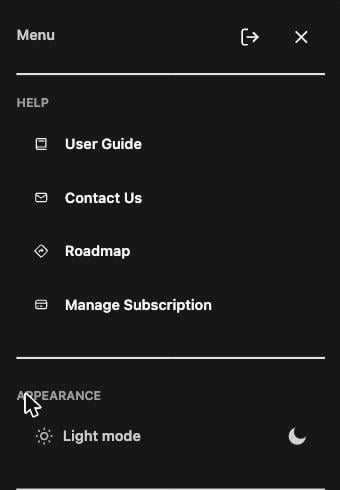
Everything lives in the rail on the left edge of the screen: the user guide, dark mode, Settings, subscription management, and the full menu.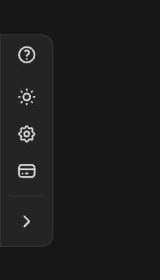
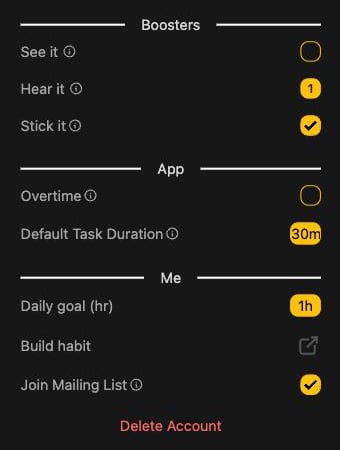
Boosters
Little nudges that keep you on track:- See it: get a browser notification when your timer ends
- Hear it: play a soft chime every 1, 5, 10, or 15 minutes while you focus
- Stick it: keep the mini focus window always on your screen (supported browsers)
App
- Auto Resize: let forget.work resize the window in certain modes
- Overtime: when a timer hits zero, count up instead of stopping
- Default Task Duration: the timer given to tasks you don’t preset
Me
- Daily goal (hr): the focus target behind your daily goal
- Build habit: add a recurring calendar event so opening forget.work becomes automatic
- Join Mailing List: hear from us about new features
Delete Account lives at the bottom of Settings. It’s permanent and
cancels your subscription, so tread carefully.