Start focusing
To start tracking focus time in the latest version of forget.work, click the Focus button at the top of the task list.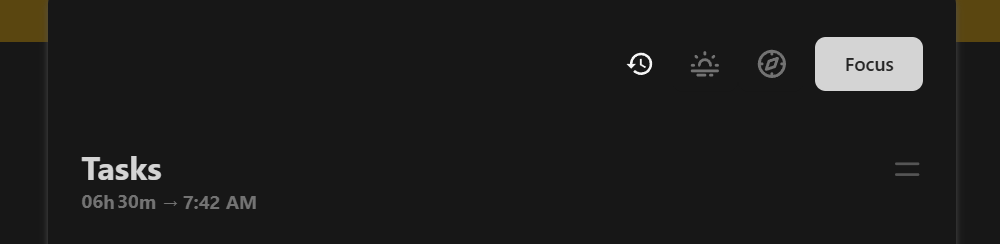
Focus window
After you click Focus, a small sticky window will open and remain on your screen while you work. This is useful because you don’t have to keep going back to the main forget.work page with the full task list — you can keep focusing on the actual task while still keeping an eye on progress.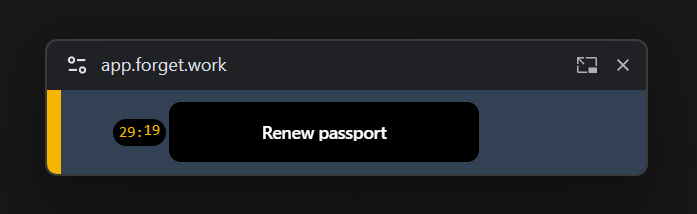
Focus window actions
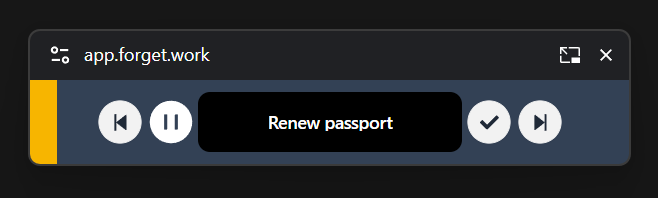
From the focus window, you can:- Complete the current task
- View the time left
- Skip to the next task
- Go back to the previous task